kuukura documentation
kuukura is a self-hosted secrets vault for small teams. You run one small server with one database; your team uses
the ku CLI to save secrets and to run programs with them. Values are decrypted only on your server, every
decision is written to a tamper-evident audit log, and revealing a value needs the person’s own passkey or
authenticator app.
Start here. New: try it locally. Operator: deploy it for your team. Developer: the command reference.
Where to start
Section titled “Where to start”The ideas in one minute
Section titled “The ideas in one minute”- Secrets have a name and tags, such as
DATABASE_URL app:shop env:dev. Every save is a new version. A value never travels as a command-line argument:ku secret setreads it from a hidden prompt. - Grants give a person, a group or a machine
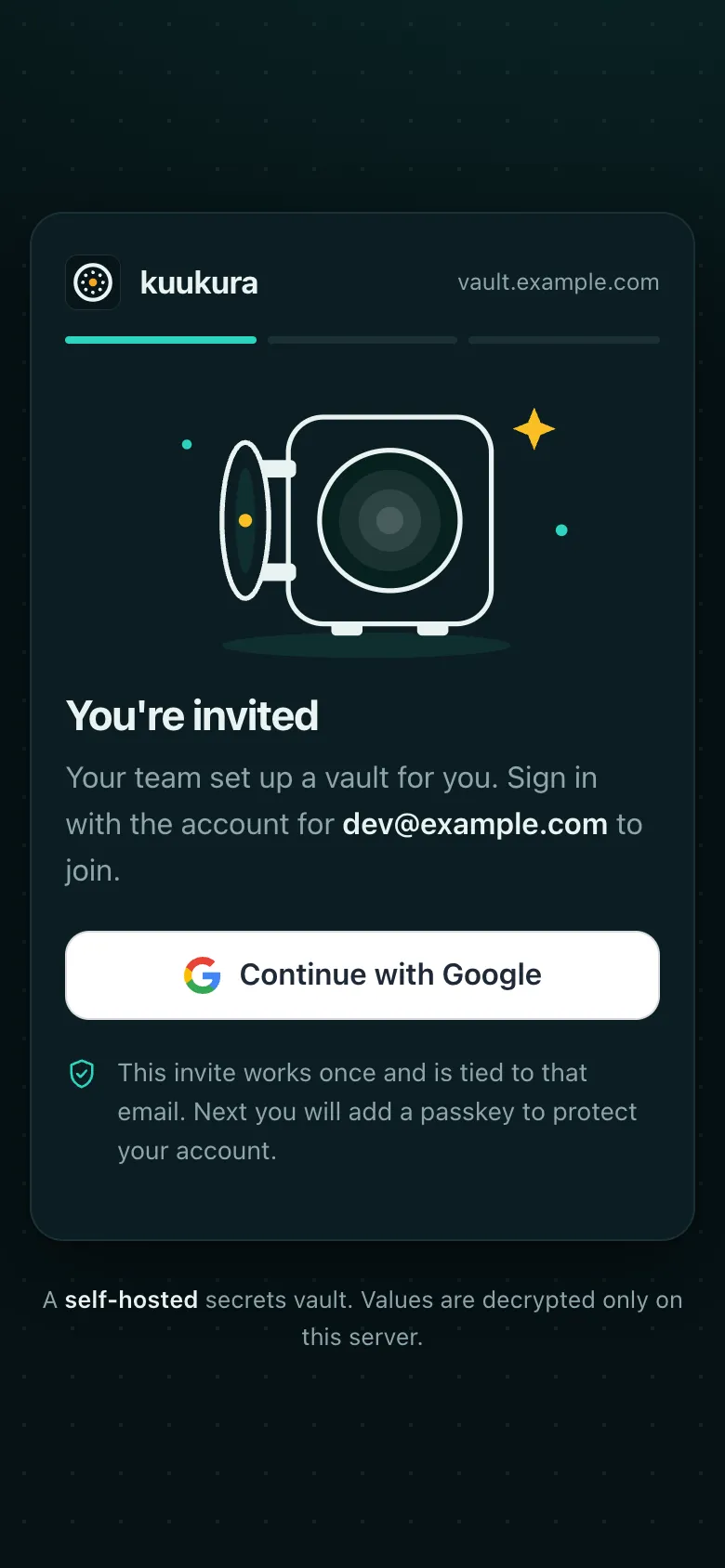
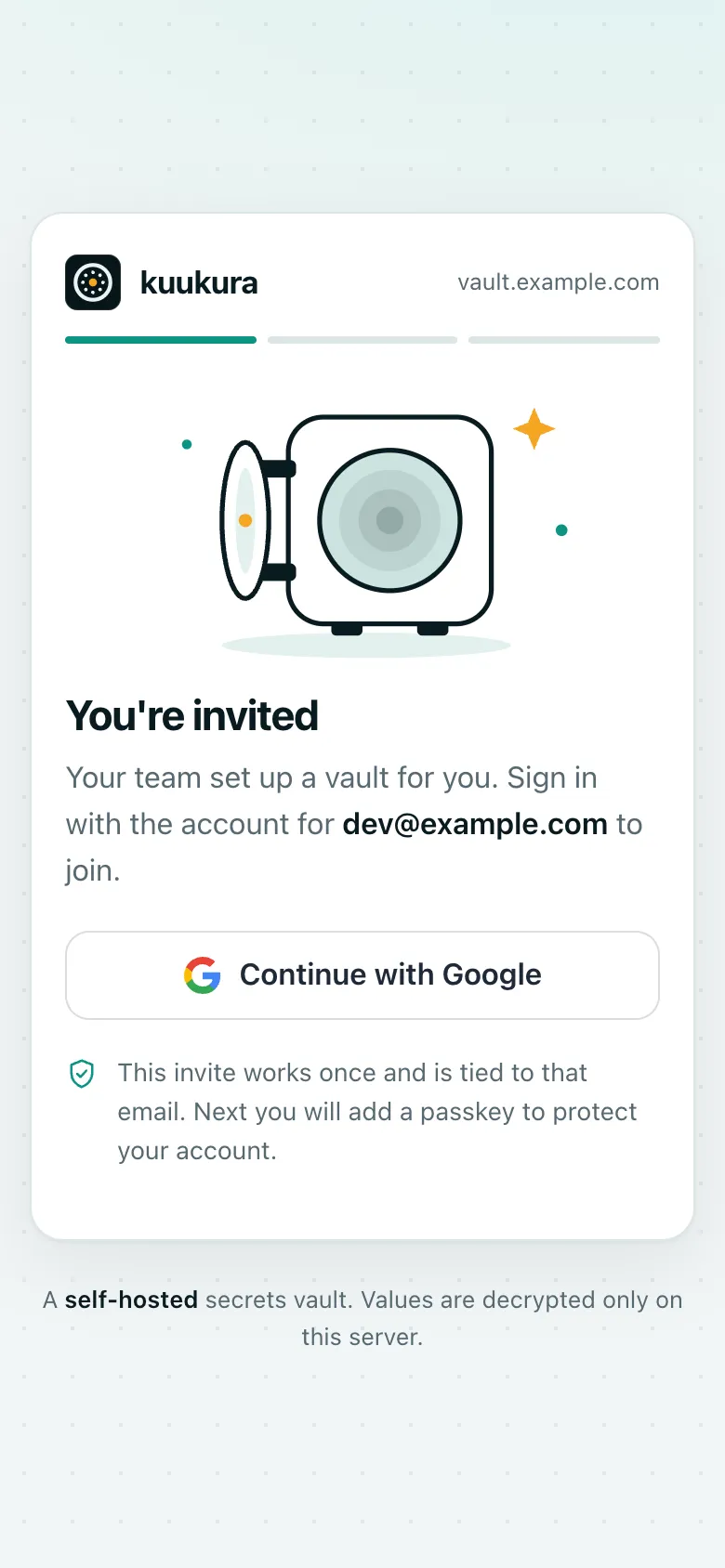
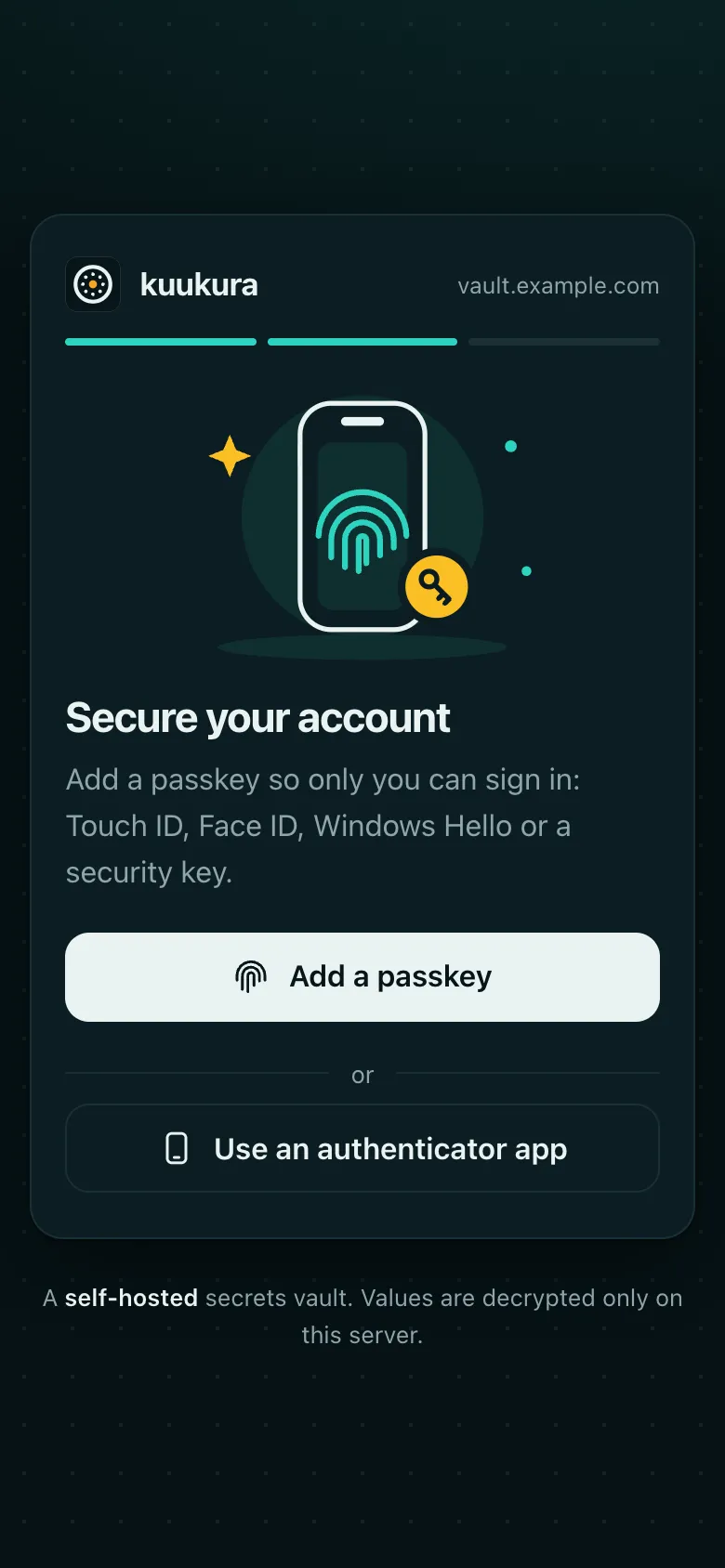
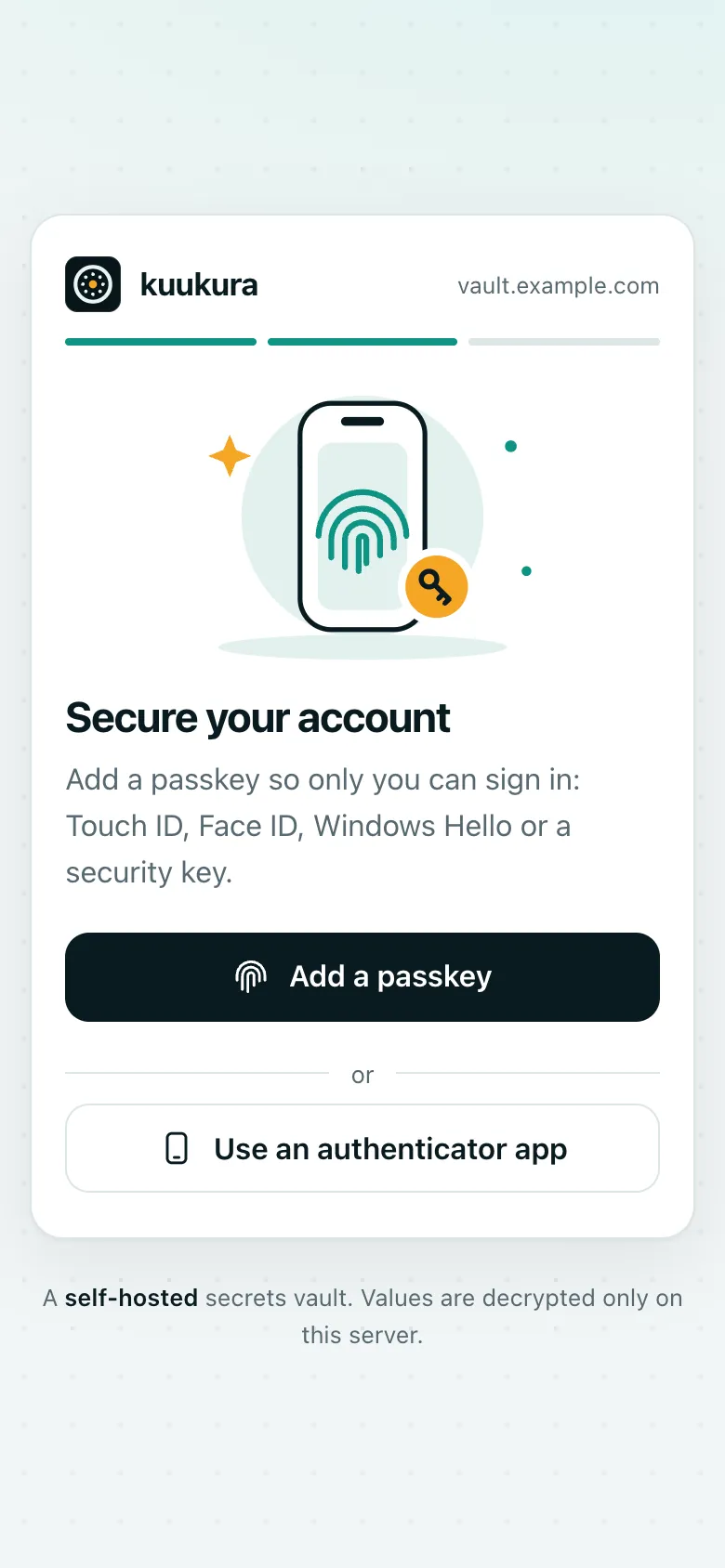
readorwriteon secrets with certain tags. Nothing is readable by default. Admins manage people, groups and grants, but have no secret access by role. - People join by invitation only. They sign in with Google and then a passkey or an authenticator app, and get ten recovery codes. Machines (CI) use a token limited by their own grants and their owner’s, and can never reveal a value.
ku run -- <command>starts a program with the secrets it is allowed to read in its environment (file secrets arrive as a temporary path). It is how people, CI and coding agents use secrets without seeing them.- Confirmations. Revealing a value, saving it to a file, turning confirmation off, and running with secrets marked
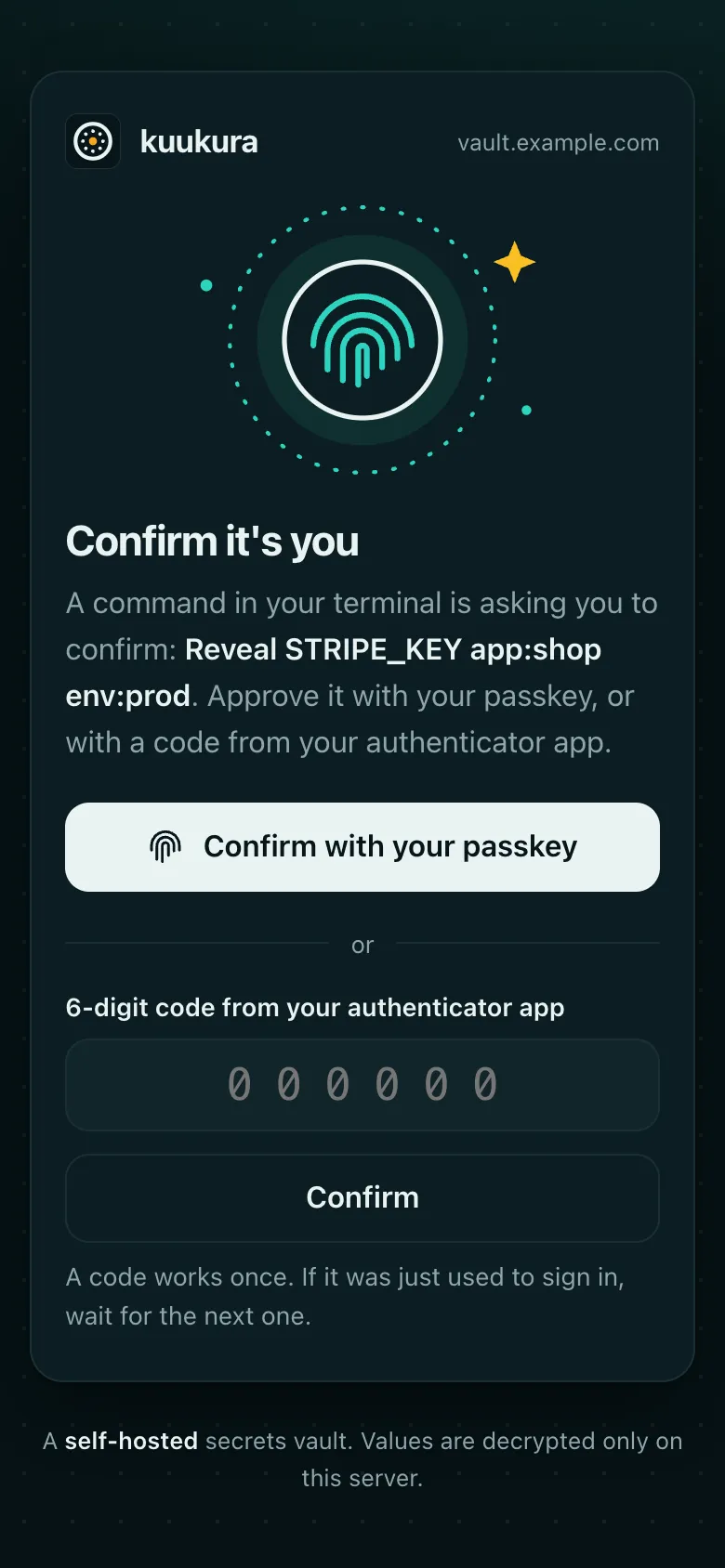
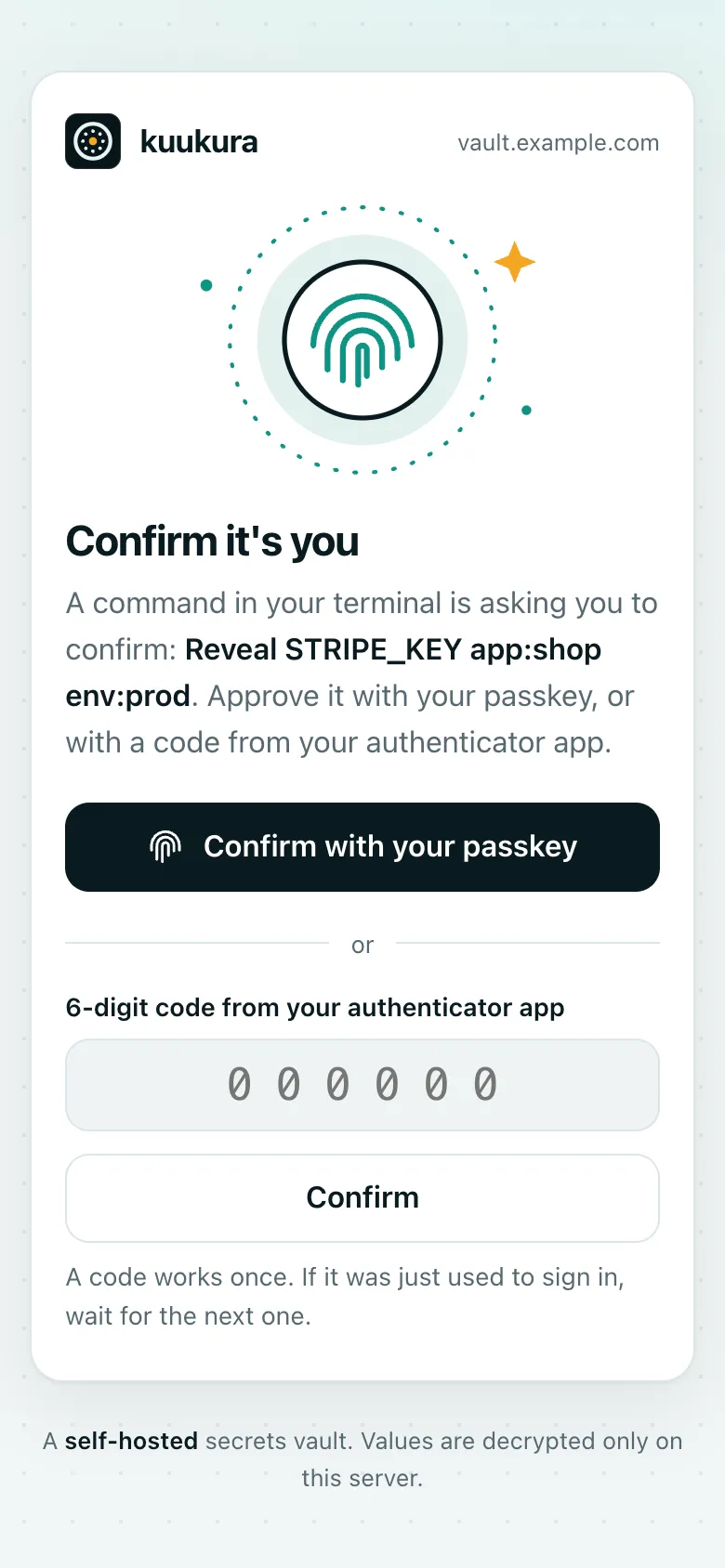
requires_authorizeopen a page on your server that says what you are confirming and asks for your passkey or a code from your authenticator app. - The master key wraps a fresh data key for every secret version. It never sits in the database: it comes from a
file, an environment variable or AWS KMS, and
ku-server key showprints it once per version for your backup. - The audit log is insert-only and hash-chained.
ku-server audit verifychecks the chain.
What your team sees
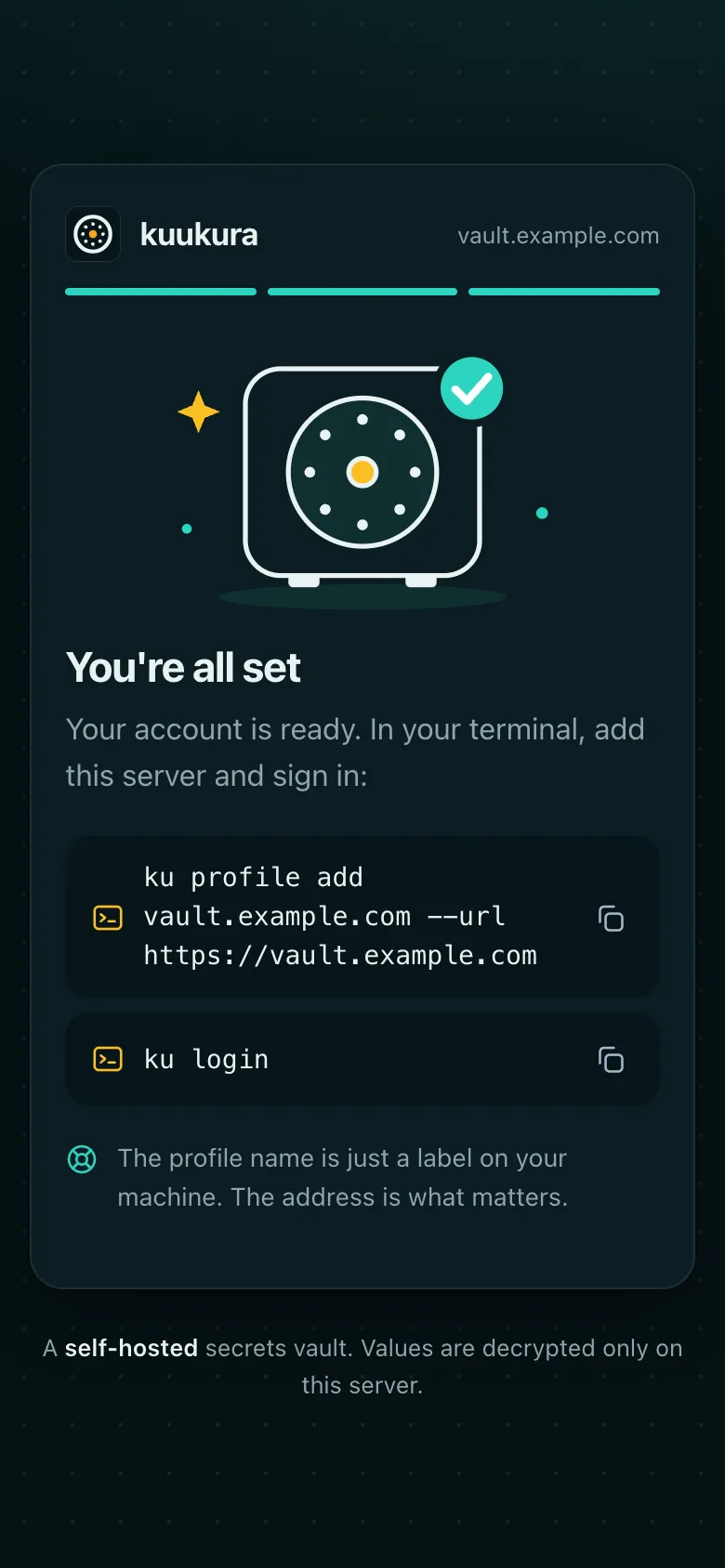
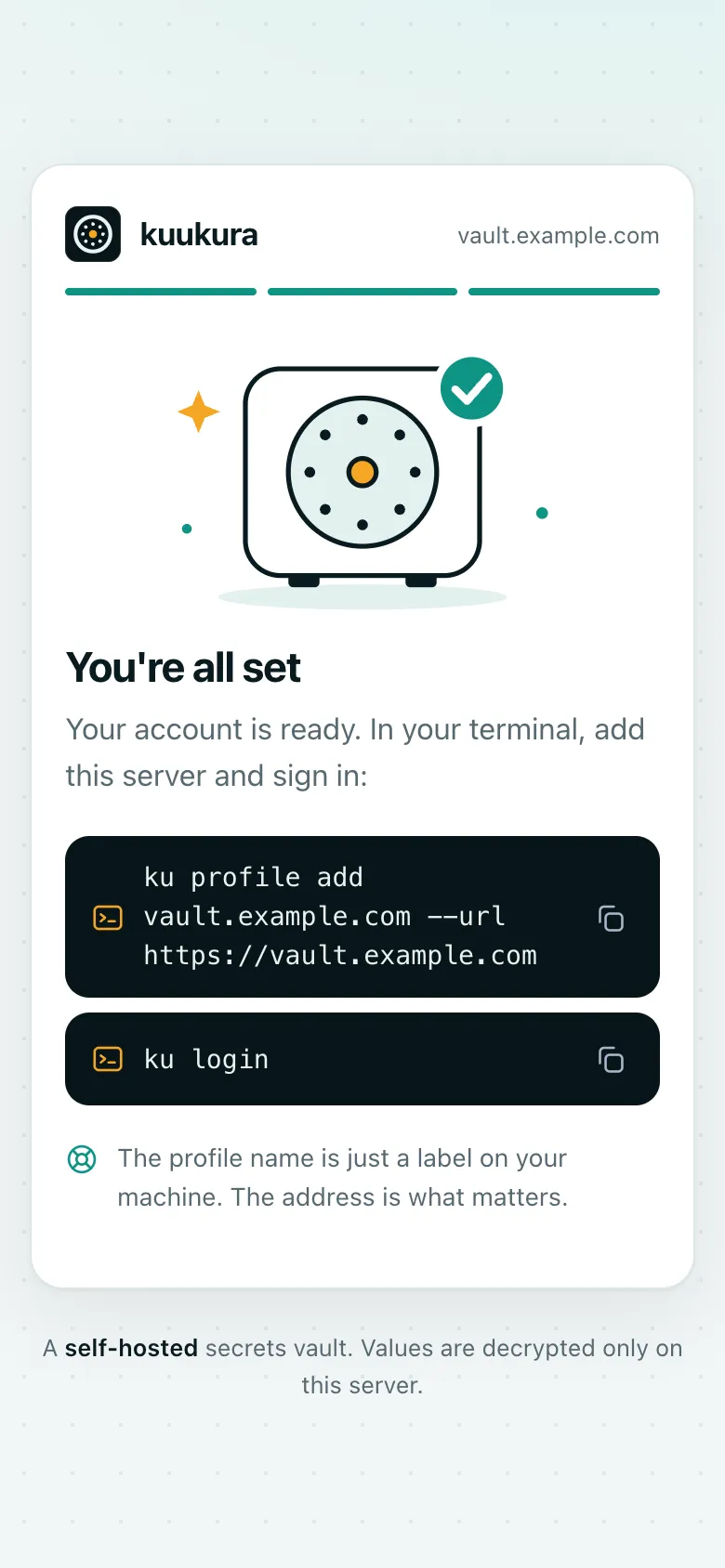
Section titled “What your team sees”These are the server’s real pages: the invitation, adding a passkey, a confirmation, and the end of enrollment.
Is it for you?
Section titled “Is it for you?”It is for one organization that wants to run its own vault, signs in with Google, uses CI and local development, and wants people and machines to see only the secrets they are granted.
It is not for you if you need dynamic (short-lived, generated) secrets, SSO or SAML sign-in, several organizations on one instance, or a vendor with a support contract. kuukura has one maintainer and uses calendar versions; see the changelog.